What’s new in Luumer: The foundation release
Luumer was built to turn a vague goal into a clear, actionable path.
This first release was centered around helping you move from “I want to do this” to “I know what to do next.”
The first version of Luumer helps you define your goal, provide AI with the right context, and generate a structured plan tailored to your life, so it is less likely to falter day to day.
Goal-based onboarding
Luumer starts with a guided onboarding flow that helps AI understand your goal before creating your plan.
The onboarding is divided into four steps: your goal, additional context, availability, and notifications.
Step 1: Describe your goal
First, you tell Luumer what you want to achieve.
You can write as much or as little as you want, but more detail helps the AI better understand your goal and shape the plan around it.
Step 2: Add more context
Next, Luumer asks follow-up questions based on your goal.
These questions gather more information so the final plan is more detailed and closer to what you have in mind.
Step 3: Set your timeline and availability
Then, you define when you want to achieve your goal and how much time you can realistically dedicate to it.
You can set how many days per week you want to work on your goal, how much time per day you want to spend on it, and which days you want to keep free.
You can also choose your preferred task size: small, medium, or large.
Step 4: Choose notification preferences
Finally, you choose your notification preferences.
In the first release, Luumer supports email notifications, with mobile app notifications planned for the future.
AI-generated achievement plan
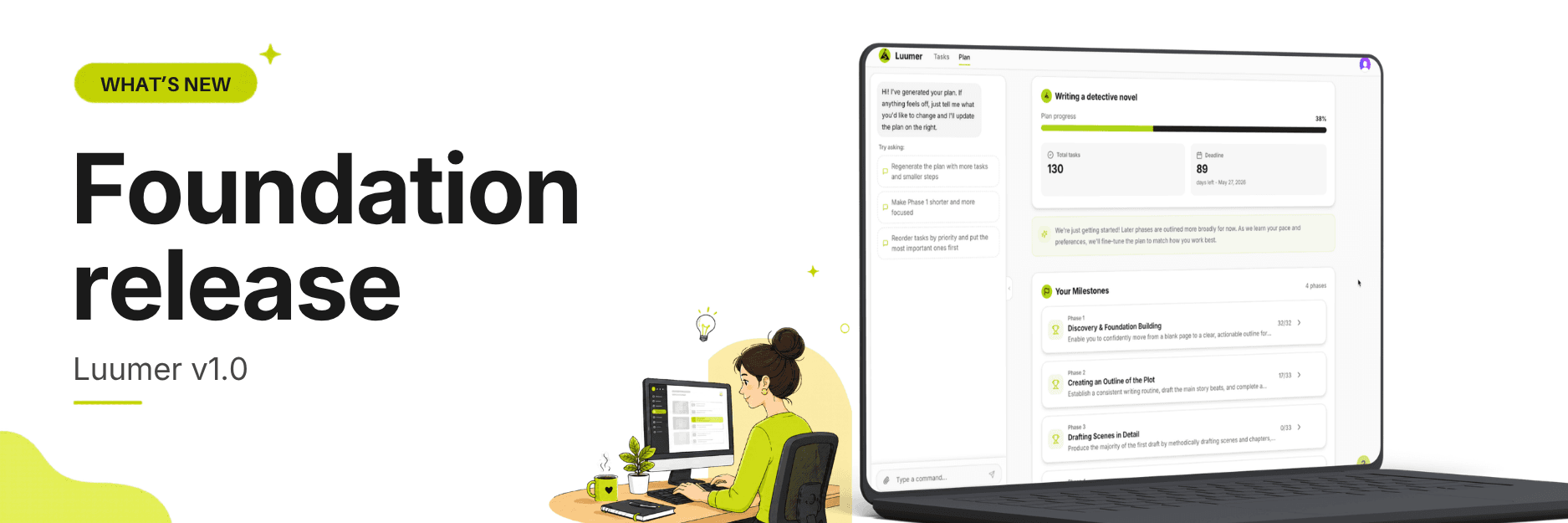
Once onboarding is complete, Luumer generates an achievement plan based on your goal, context, timeline, availability, and task preferences.
The plan breaks your goal into clear phases, tasks, and deadlines, giving you a structured path to follow.
Achievement plan view
The achievement plan view lets you see your full plan in one place.
You can review all phases, tasks, and deadlines and see how the parts of your plan fit together.
Phases and tasks
Each plan is divided into phases.
Phases outline the larger stages of your goal, while tasks outline specific actions to complete within each phase.
Plan regeneration and settings updates.
You can update your plan after it has been generated.
Luumer lets you adjust availability, change daily time commitment, and update preferred task size.
These changes can be made from your settings or through the AI chat assistant.
Tasks view
After your plan is generated, you’re taken to the tasks page.
It gives you a focused view of your current plan, including:
Today’s tasks
Progress summary
Upcoming tasks
Upcoming tasks can be viewed as a list or calendar so you can see what’s ahead in the format that works best for you.
Daily task checklist
The daily task checklist shows what you need to work on today.
You can review your tasks, mark them complete, or edit if needed.
Basic task editing
This release included basic task editing, including the ability to mark tasks complete, update task status, add subtasks, and edit task descriptions.
AI chat assistant
Luumer includes an AI chat assistant that lets you ask questions, get help, and make small adjustments to your plan through natural conversation.
You can use it to clarify parts of your plan, request changes, or get support as you work through your goal.
User accounts
The first release also included secure sign-up and login, so users can create, save, and return to their own goal plans.